
Let me save you the trial and error: I’ve used probably a dozen cashback and rewards apps over the past few years, and most of them are either annoying to use, slow to pay out, or just not worth the effort for what you actually get back.
What Is the Best Cashback App for Shopping?
But a few of them? Genuinely useful. Real money, reasonably easy, and worth stacking with whatever else you’ve got going on.
Here’s my honest breakdown.
Why Cashback Apps Are Worth Using (When They’re Not Annoying)
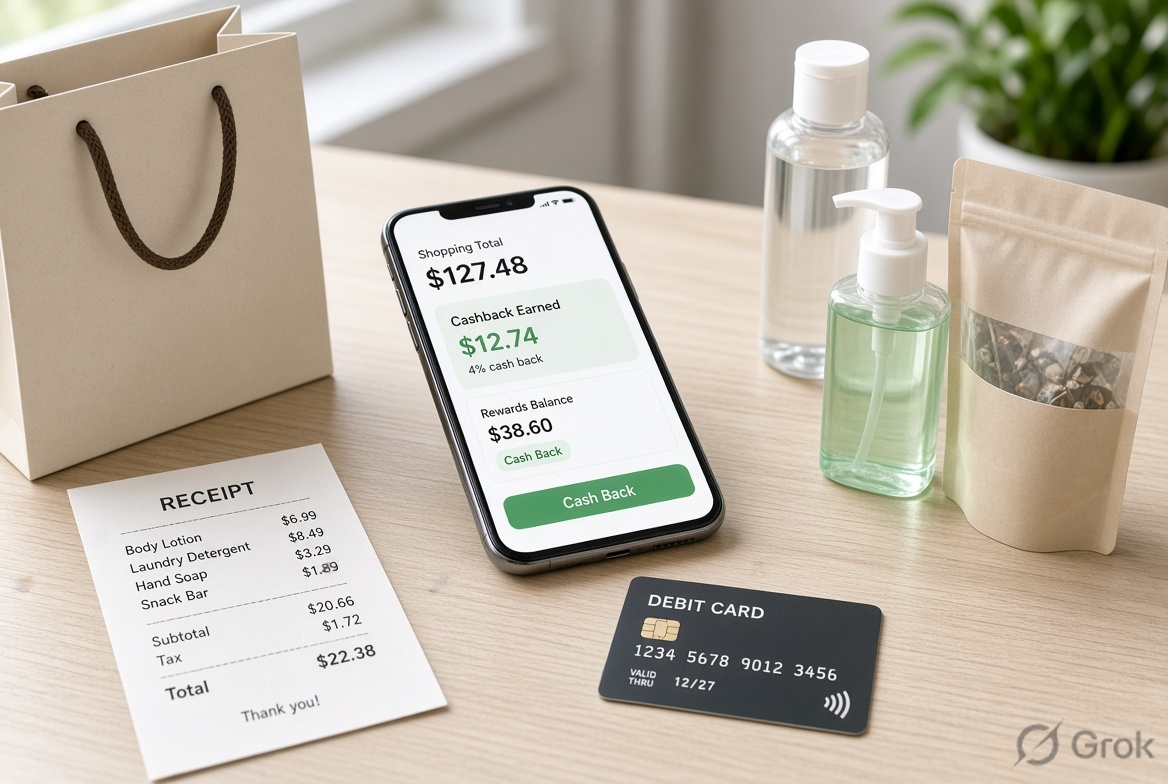
The basic idea: you shop somewhere you were going to shop anyway, and you get a percentage of your purchase back as cash. The app earns a commission from the retailer for sending you there, and they share part of that commission with you.
It’s not life-changing money. You’re not going to retire early because you remembered to activate a cashback offer before buying shampoo. But over the course of a year, these apps can realistically add up to $200-$500 in your pocket without changing your spending habits. That’s real.
The catch is that most apps have friction — you forget to activate, you miss the window, the category doesn’t apply, or you rack up points you can never actually use. So the best apps are the ones that minimize that friction.
Rakuten: The Gold Standard for Online Shopping
Rakuten (formerly Ebates) is the one I recommend to literally everyone who shops online. It’s been around since 1998 and it pays out real cash — not points, not gift cards, actual money deposited to your PayPal or sent as a check.
Here’s how it works: you either click through the Rakuten portal before shopping, or install the browser extension (which is what I do). When you’re on a retailer’s site that has a Rakuten deal, a little button pops up and you click “Activate” before you check out. Done.
Cashback rates vary by retailer and change frequently. You might get 1% at some places and 12% at others. Big names like Nike, Macy’s, Sephora, Best Buy, and hundreds more are in their network.
Payouts happen quarterly. Four times a year, you get your “Big Fat Check” — their words, not mine — either to PayPal or by mail. Minimum payout threshold is $5.01, which most people hit in their first shopping trip.
The referral program is legitimately good too: both you and whoever referred you get a bonus (amount changes, check current offer) when you make your first qualifying purchase.
Best for: People who shop online at major retailers. The browser extension makes it nearly frictionless.
Ibotta: The Best for Groceries and In-Store Shopping
Ibotta is what I reach for when I’m heading to the grocery store or buying everyday household stuff. Unlike Rakuten which is primarily online, Ibotta works for in-person purchases too.
The process: browse offers in the app before you shop (things like “$0.50 back on any brand of pasta” or “$2.00 back on Tide”), shop normally, then either link your store loyalty card (at supported stores it applies automatically) or snap a photo of your receipt. The cash posts to your account usually within 24 hours.
They also have an “any brand” or “any item” category which is the most useful — those offers pay out regardless of what specific brand you buy, so there’s no need to change your shopping habits.
Ibotta also has browser extensions and online cashback at some retailers now, expanding beyond just in-store.
Cash out via PayPal, Venmo, or gift cards starting at $20.
Best for: Grocery shoppers, anyone who spends regularly at drugstores, Walmart, Target, etc.
Honey: Best for Finding Coupon Codes Automatically
Honey (owned by PayPal) works a bit differently than the others. It’s a browser extension that automatically tests coupon codes at checkout and applies the best one. Automatically. You don’t have to go hunting on RetailMeNot or searching “promo code [brand] 2024.”
It also has a rewards program called Honey Gold where you earn points on purchases at participating retailers, redeemable for gift cards.
The cashback/savings are less predictable than Rakuten because it depends on what coupon codes exist at any given time. But having it installed costs you nothing, and when it does find a code, it saves you money on a purchase you were already making.
One honest note: there have been criticisms from content creators that Honey’s affiliate tracking can override their commission links, which doesn’t affect you as a consumer but is worth knowing if you care about that.
Best for: Impulsive online shoppers who forget to look for codes, people who want passive savings without effort.
Fetch Rewards: Best for the Habit-Free Users
Fetch is interesting because it’s extremely low effort. You buy stuff — anything, from any store — snap a photo of your receipt, and earn points. You don’t have to pre-activate anything. You don’t have to buy specific brands. Just submit receipts.
Points accumulate and you redeem for gift cards to places like Amazon, Target, Starbucks, and a ton of others. The point values aren’t huge — you’re roughly looking at $1-$2 per typical grocery receipt — but the bar to earn is as low as it gets.
There are also bonus points for buying featured brands or products, which boosts your earning if you pay attention to the featured items section when planning your shopping.
Best for: People who don’t want to think about it too hard, anyone who shops at a wide variety of stores, families with high grocery receipt volume.
Capital One Shopping: Best if You’re Already a Capital One Customer
Capital One Shopping (formerly Wikibuy) is another browser extension that compares prices across retailers and applies coupon codes. If you’re a Capital One cardholder, you earn Credits you can redeem for gift cards.
The price comparison feature is legitimately useful — if you’re about to buy something on Amazon, it’ll check if it’s cheaper at Walmart, Target, or other major retailers in real time.
If you don’t have a Capital One card, the gift card redemption model is less appealing than Rakuten’s cash. But as a price comparison tool it’s worth having installed.
Can You Stack These?
Often, yes — and this is where the real value comes in.
For example: Shop at Target using your Target RedCard (5% off), click through Rakuten first (maybe 3% back), use a Capital One Shopping coupon code if one applies, and submit your receipt to Fetch. You’ve layered four different savings mechanisms on one purchase.
Not every combo works (some retailer deals have exclusions) but in general, stacking cashback portal + credit card rewards + any available coupon codes is absolutely the move.
What to Watch Out For
The payout thresholds. Some apps make you accumulate $20 or $25 before you can cash out. That’s fine if you shop regularly, but if you use the app for one purchase and forget about it, those $4 in Honey Gold might just sit there forever.
The quarterly wait with Rakuten. You earn in real time but only receive your cash four times a year. It’s not a problem if you know to expect it, but don’t count on that money showing up next week.
Offer expiration. Ibotta offers expire. If you activate something in the app and then don’t buy it within the window, the offer disappears.
Account security. You’re linking financial accounts and sharing shopping data. Use strong passwords, enable two-factor authentication, and be aware that these companies do use your data to serve you more targeted offers.
Also Read : How Can I Find the Best Online Deals?
My Personal Stack
For what it’s worth: Rakuten browser extension is always on. I check Ibotta before grocery runs. I have Fetch on my phone and submit receipts whenever I remember (not every time, but enough). Honey is installed but I mentally treat it as a bonus rather than something I rely on.
Between those, I cash out somewhere between $300-$600 a year without meaningfully changing how or what I buy. For the effort involved, that’s a pretty solid return.
Pick the one that fits your shopping habits and just start using it. Even a single app, used consistently, adds up.
Conclusion
In conclusion, the best cashback app depends on your shopping needs, available offers, cashback rates, and ease of use. Before making a purchase, compare different apps and check their terms to maximize your savings.
What is a cashback app?
A cashback app rewards you with a percentage of your purchase amount back when you shop through its platform or links.
Which cashback app is best for shopping?
The best app depends on the stores you use, cashback rates, available offers, and withdrawal options.
How does cashback work?
You typically open the shopping website through the cashback app, complete your purchase, and receive cashback after the transaction is verified.
How can I get more cashback?
Compare cashback rates, use coupons and promotional offers, and look for special cashback campaigns before purchasing.
Is cashback available on every purchase?
No. Cashback depends on the retailer, product category, offer terms, and eligibility conditions.